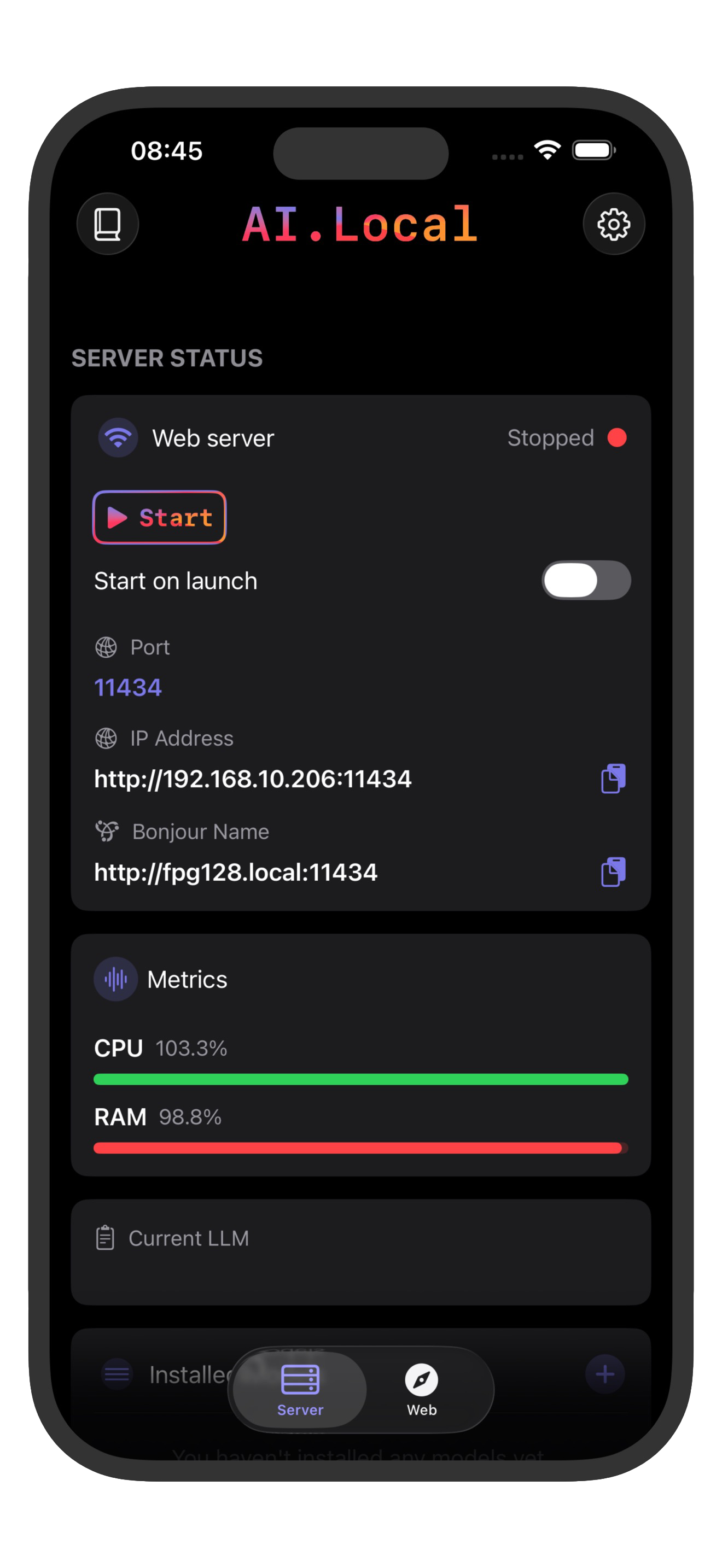
Run a private AI server directly on your iPhone.
ai.local runs models on-device and exposes local endpoints compatible with both OpenAI API format and Ollama, so you can keep your existing client integrations while keeping data local.
Compatibility
One local runtime, two standards.
API Examples
Familiar formats, local execution.
OpenAI API Style
Use familiar `/v1` conventions.
POST /v1/chat/completions
{
  "model": "qwen3",
  "messages": [{"role": "user", "content": "Summarize this note"}]
}
Ollama Style
Use Ollama-compatible request flows.
POST /api/chat
{
  "model": "qwen3",
  "messages": [{"role": "user", "content": "Summarize this note"}]
}
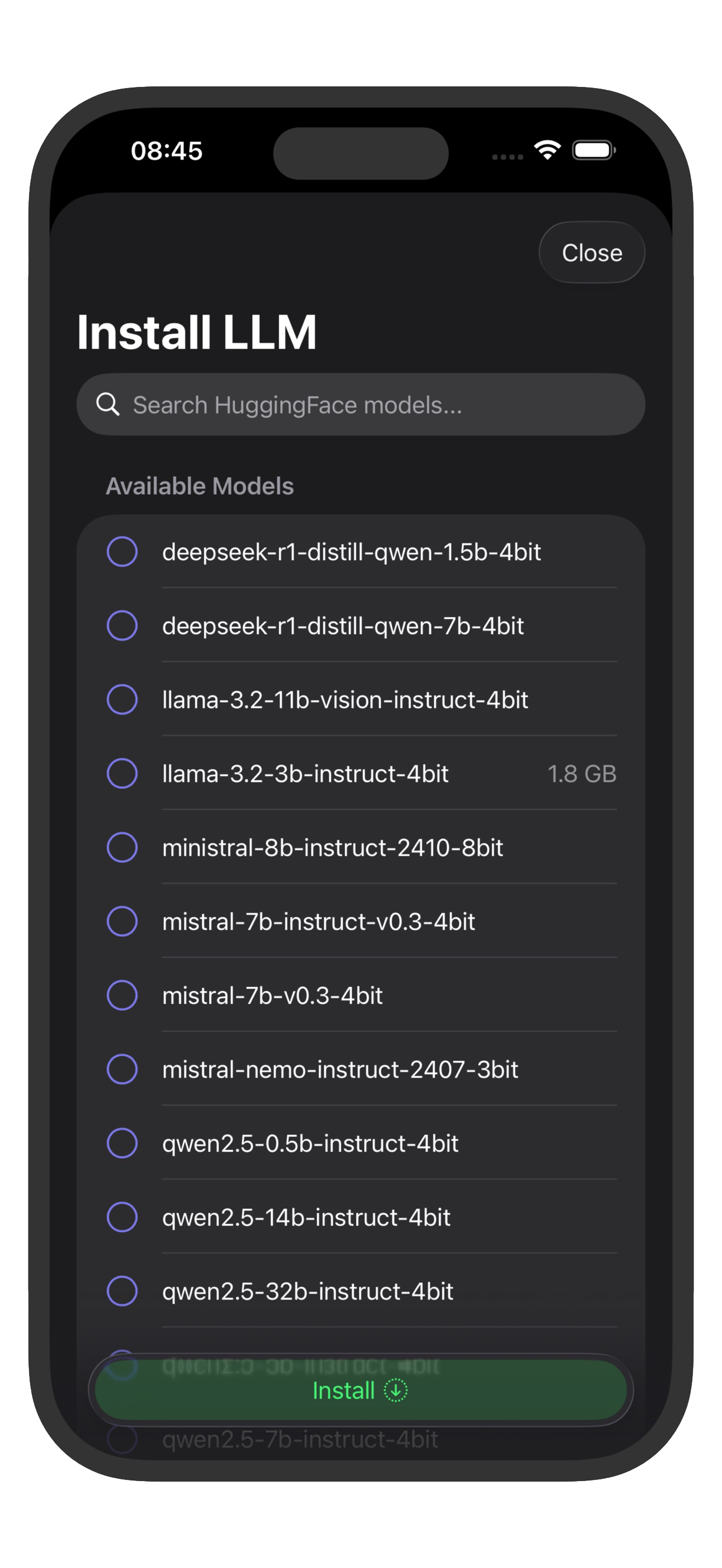
Supported Open-Source Models
Run popular models locally on your device.
Llama 3
Meta's powerful language model with excellent reasoning capabilities and broad knowledge base.
Mistral
High-performance model from Mistral AI, optimized for efficiency and quality responses.
Qwen
Alibaba's advanced language model with strong multilingual support and coding abilities.
Gemma
Google's lightweight yet powerful model designed for efficient local execution.
Phi-3
Microsoft's compact but capable model, perfect for mobile devices with limited resources.
Stable LM
Stability AI's language model with balanced performance and efficiency for local use.
How It Works
From install to local AI in three steps.
Choose a model
Pick the model that fits your device and performance target.
Start ai.local server
Serve local endpoints compatible with OpenAI API and Ollama.
Connect your tools
Run private workflows from scripts, apps, and shortcuts.
Where It Fits
Perfect for privacy-focused workflows.
Use Cases
ai.local works well for offline demos, privacy-sensitive testing, and local-first prototypes. Teams using OpenAI API clients or Ollama tooling can keep their integration style.
Requirements
Best experience is on iOS 18.2+ and iPadOS 18.2+ with newer high-performance devices, including iPhone 15 Pro, iPhone 16 series, and iPad Pro models with M1/M2 chips for stable local model execution.